Exnova Contact

This page summarizes Exnova’s official contact options, typical response windows, and what to prepare before you reach out. You’ll find step-by-step guidance for using live chat, submitting a secure support ticket, and calling phone support where available, plus practical tips — such as preferred document formats, avoiding public Wi‑Fi for sensitive uploads, and how to track a ticket — so support can act faster and keep your account secure.

Exnova Live Chat Support
One of the most convenient ways to contact Exnova broker is using online chat with 24/7 support that allows you to resolve any issue most fast as possible. The main advantage of the chat is how fast Exnova gives you feedback, it takes about 2 minutes to get answered.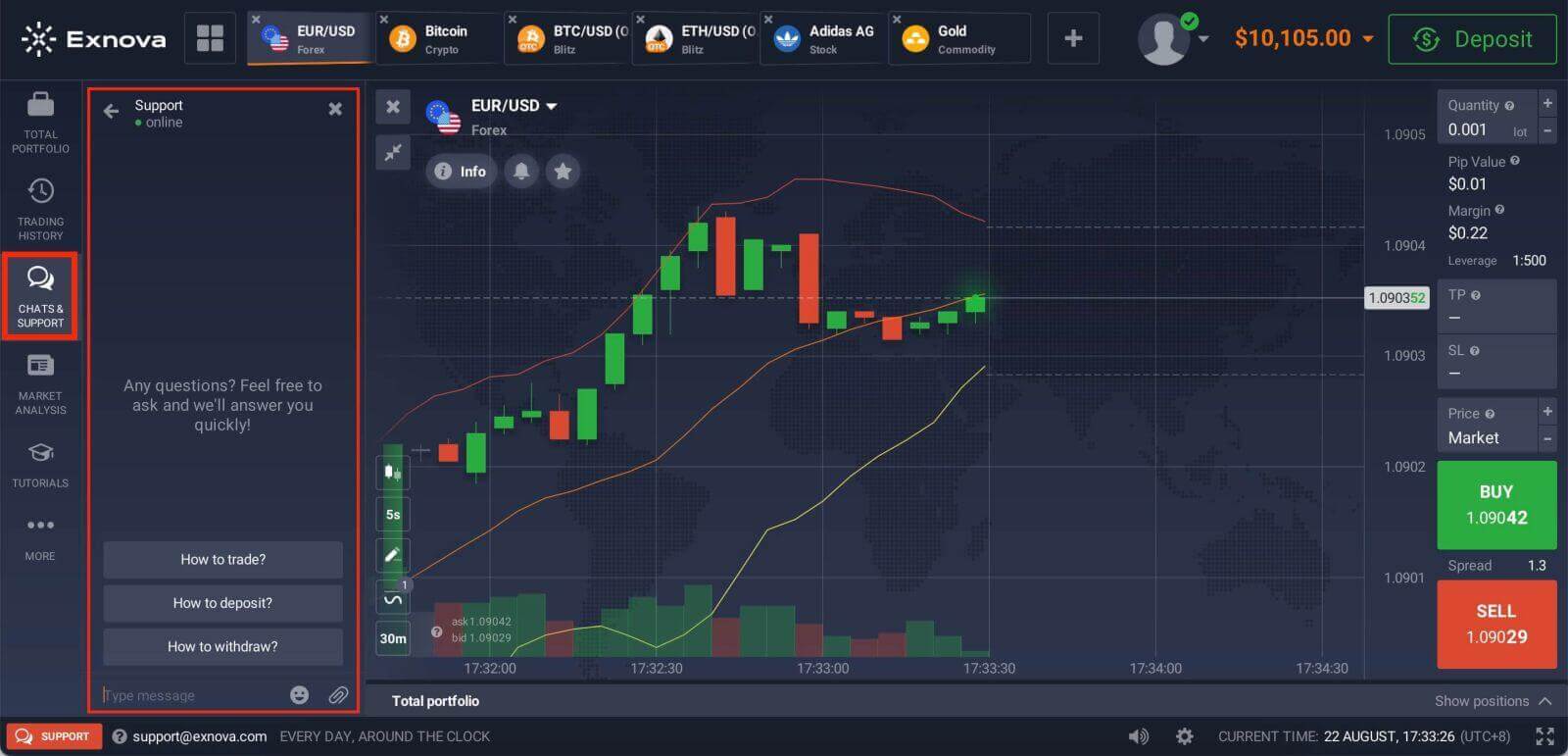
Exnova Contact via Email
If your issue requires personal attention or is not addressed by the online resources, you can contact Exnova Support via email [email protected]. Compose a clear and concise message detailing your problem, including any relevant information such as account details, order numbers, and screenshots. This will help the support team better understand your issue and provide a prompt response.Which is the fastest way to contact Exnova?
The fastest response from Exnova you will get is through the Online Chat.
How fast can I get a response from Exnova support?
You will be answered in several minutes if you write via Online chat and it will take for about 24 hours to get answered by Email.
Exnova Social Media Channels
Exnova offers support through their official social media channels. While not the primary support channel, these platforms can be effective for quick queries or updates. Ensure you are communicating through official accounts to avoid potential scams.
- Instagram: https://www.instagram.com/exnova_trading/
- Facebook: https://www.facebook.com/exnova.en/
- Twiiter: https://twitter.com/exnova_trading
Best Practices for Contacting Exnova Support
-
Be Clear and Concise: Clearly explain your issue or question in a concise manner. Avoid unnecessary details that might confuse the support team.
-
Provide Relevant Information: Include any relevant account details, order numbers, error messages, and screenshots. This information can significantly expedite the resolution process.
-
Stay Polite and Professional: Maintain a professional tone when communicating with support representatives, even if you’re frustrated. Polite communication fosters positive interaction.
-
Be Patient: While Exnova aims to provide prompt support, complex issues may take time to investigate and resolve. Exercise patience throughout the process.
-
Follow-Up: If you haven’t received a response within a reasonable timeframe, don’t hesitate to follow up on your inquiry. Be respectful in your follow-up messages.